



New
Arrivals/Restock
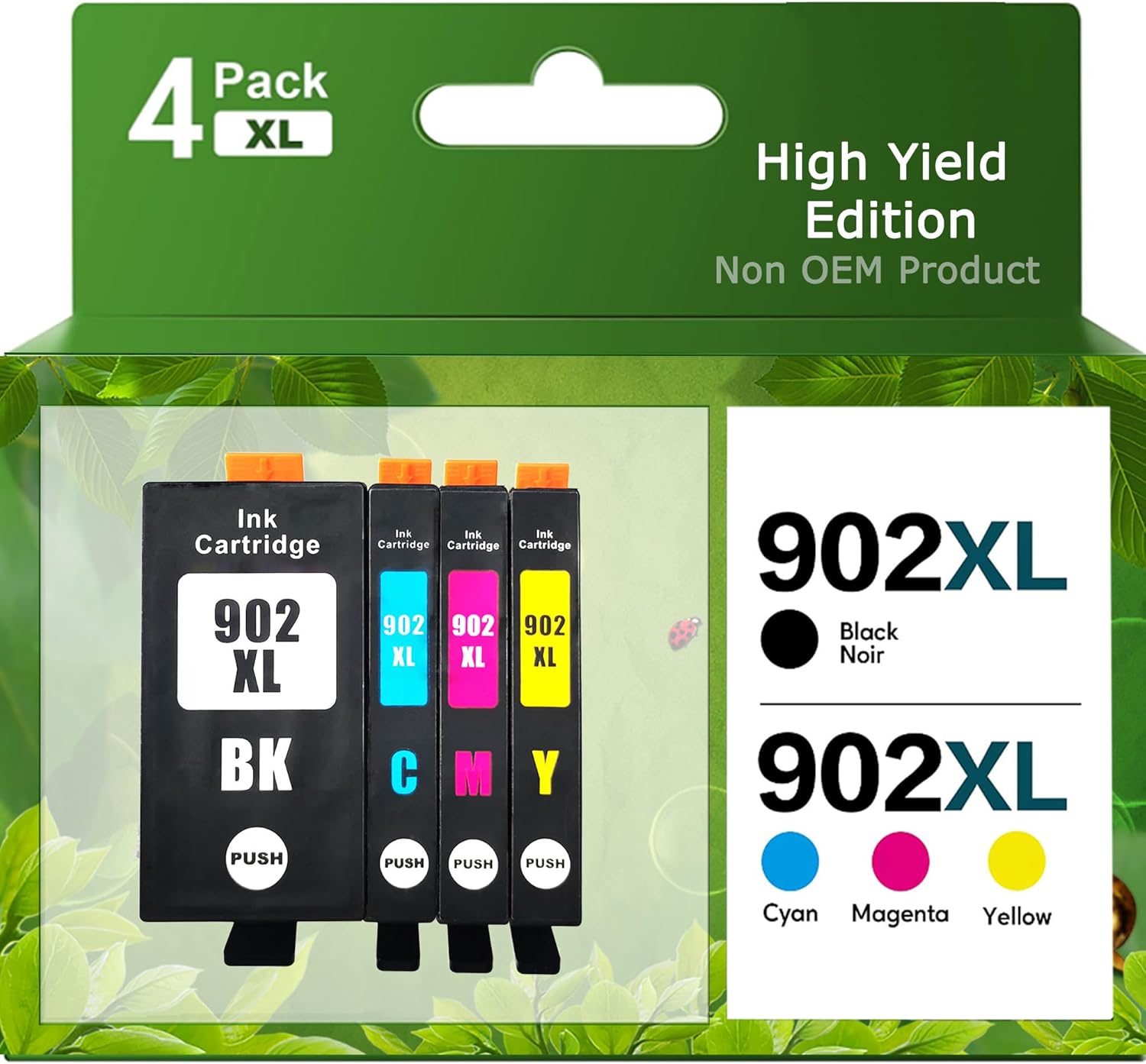


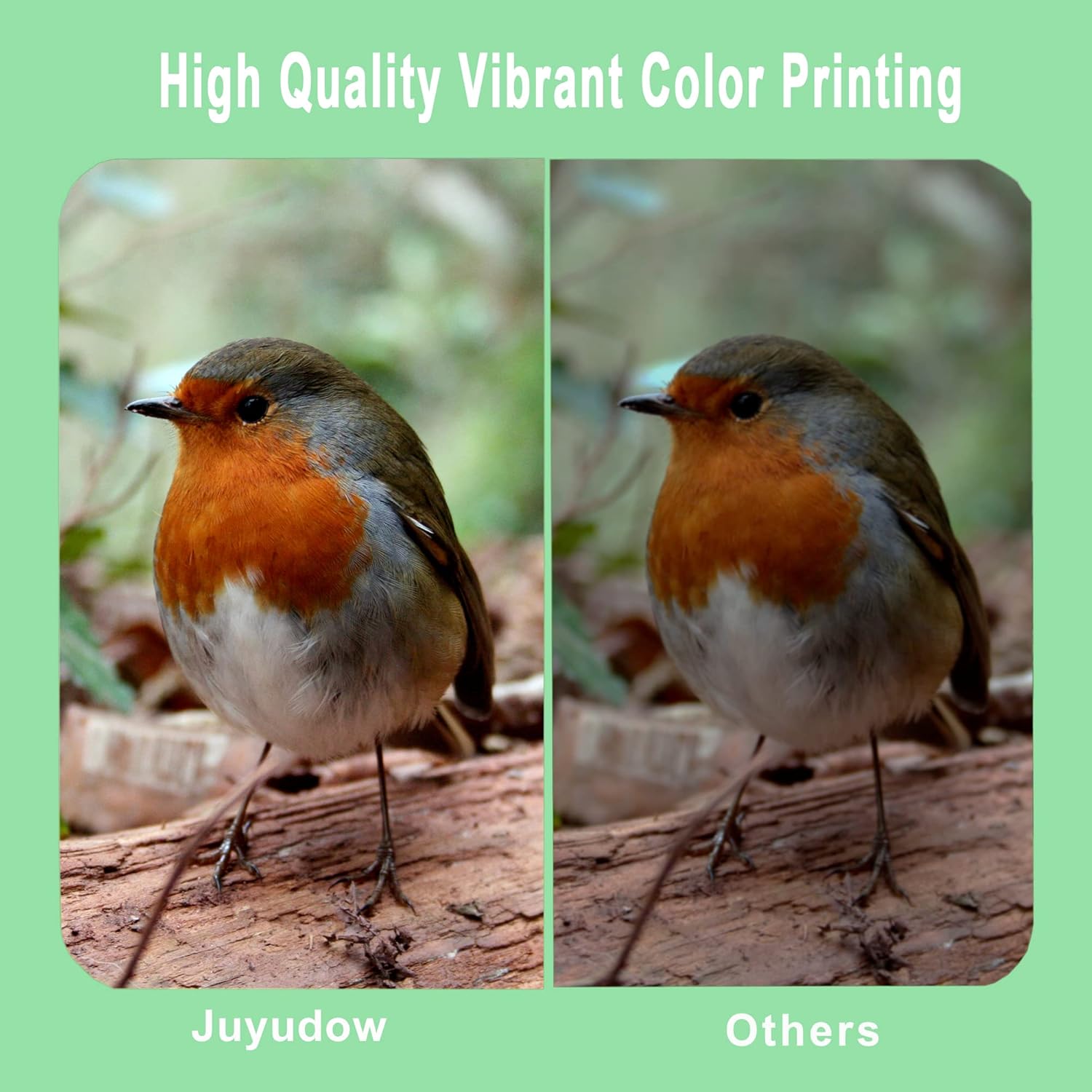


902XL Ink Cartridges Compatible with HP OfficeJet Series 6954-6966 OfficeJet Pro Series 6960-6979 High Yield Up to 825 Pages New Chip (Black Cyan Magenta Yellow)

 4.7 (102 items)
 Limited Time Sale
Until the end
02
33
59
US$13.19 cheaper than the new price!!
Free shipping for purchases over $99 ( Details )
Free cash-on-delivery fees for purchases over $99
Free cash-on-delivery fees for purchases over $99
See all stores
Please note that the sales price and tax displayed may differ between online and in-store. Also, the product may be out of stock in-store.
Used US$8.80
Product details
| Management number | 224120577 | Release Date | 2026/05/09 | List Price | US$8.80 | Model Number | 224120577 | ||
|---|---|---|---|---|---|---|---|---|---|
| Category | |||||||||
- 902xl ink cartridges for hp printers are compatible with OfficeJet Pro 6968 6978 6960 6970 6971 6974 6975 6976 6979, OfficeJet 6950 6951 6954 6956 6958 6963 6966 6961 6962 Printers
- Cartridge yield (approx.): Up to 3X more prints with us vs.others: 850 pages black, 850 pages cyan, 850 pages magenta, 850 pages yellow (at 5% coverage)
- Various Packaging Options and Eco-Friendly Features: Flexible packaging options include a 4-pack containing 1 black cartridge and 3 color cartridges (cyan, magenta, and yellow). 82% of these original HP ink cartridges are made from recycled plastic, ensuring both practicality and environmental friendliness.
- Intimate service and usage tips: In view of the problem that the automatic update of the printer may interrupt the use of compatible ink cartridges, it is recommended to turn off the automatic update to avoid printing interruption
- 902 are upgraded cartridges. The printer’s system will have chip updates that block older chips—please disable automatic updates first for normal use. 3 Easy Ways to Disable Auto-Updates: 1.Printer Panel: Go to Settings → Printer Maintenance/Tools → Network Services/Smart Features → Turn off Automatic/Firmware Auto-Update. 2.HP Smart App: Open the app → Select your printer → Settings → Advanced Features → Disable Automatic Updates. 3.Web Interface: Find the printer’s IP (print a network config page) → Enter it in your browser → Settings → Network Services → Turn off Product Auto-Update. Note: A "non-genuine cartridge" warning may pop up after disabling updates—this won’t affect usage at all!
- If You Already Updated the Firmware: Restart: Power off the printer for 30 seconds, then turn it on. This may fix compatibility. Downgrade Firmware: Check HP’s official website for older firmware versions (some users solved it this way). Let us know if you need further help!


| UPC | 755673626995 |
|---|---|
| ASIN | B0C1N7CDPG |
| Brand | Juyudow |
| Color | Black |
| Ink Base | Water |
| Ink Colour | Black |
| Model Name | 902 Ink Cartridge |
| Page Yield | 825 |
| Unit Count | 1.0 Count |
| Item Weight | 6.7 Ounces |
| Print media | Paper (plain) |
| Manufacturer | Juyudow |
| Model Number | 902XL Ink Cartridge |
| Model Series | OfficeJet Series |
| Printer Type | Inkjet |
| Item Type Name | 902XL Ink Cartridges Combo Pack |
| Mfr Part Number | 902XL |
| Number of Items | 1 |
| Compatible Devices | Compatible with OfficeJet OfficeJet 6950 6951 6954 6956 6961 6963 6958 6964 6966 printer, Compatible with OfficeJet Pro 6978 6968 6960 6970 6975 6971 6974 6976 6979 Printer |
| Printer Output Type | multiple colors |
| Warranty Description | / |
| Compatibility Options | Compatible |
| Item Dimensions D x W x H | 4.62"D x 3.66"W x 2.53"H |
| Specific Uses For Product | Office use, refilling HP OfficeJet printers |
| Printer Model Compatibility | HP Officejet Pro 6978 |
| Additional Printer Functions | Print Only |
| Other Special Features of the Product | High Yield |
Bestseller ranking
New Age & Spirituality






Customers who viewed this product also viewed
Inkjet Ink Cartridges

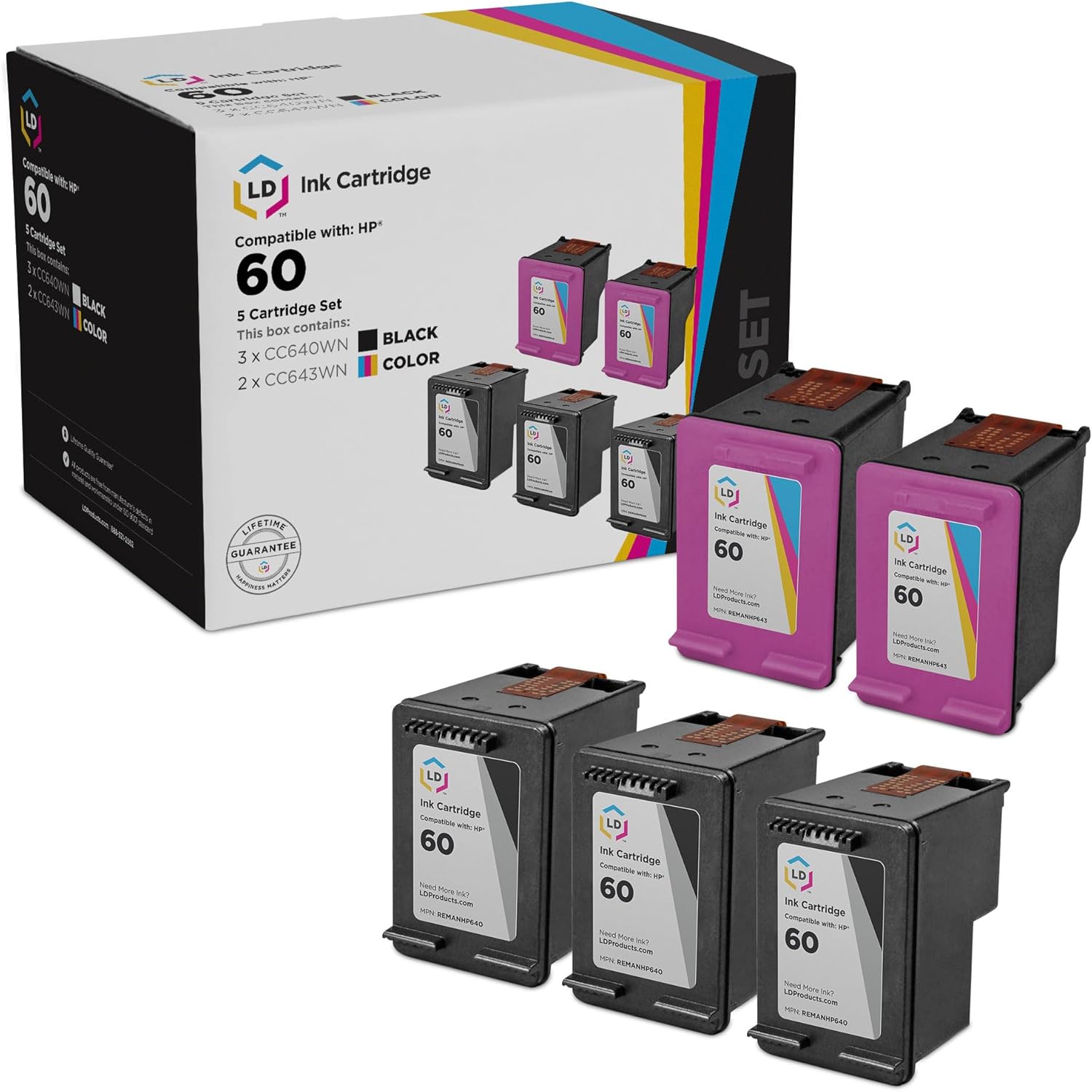


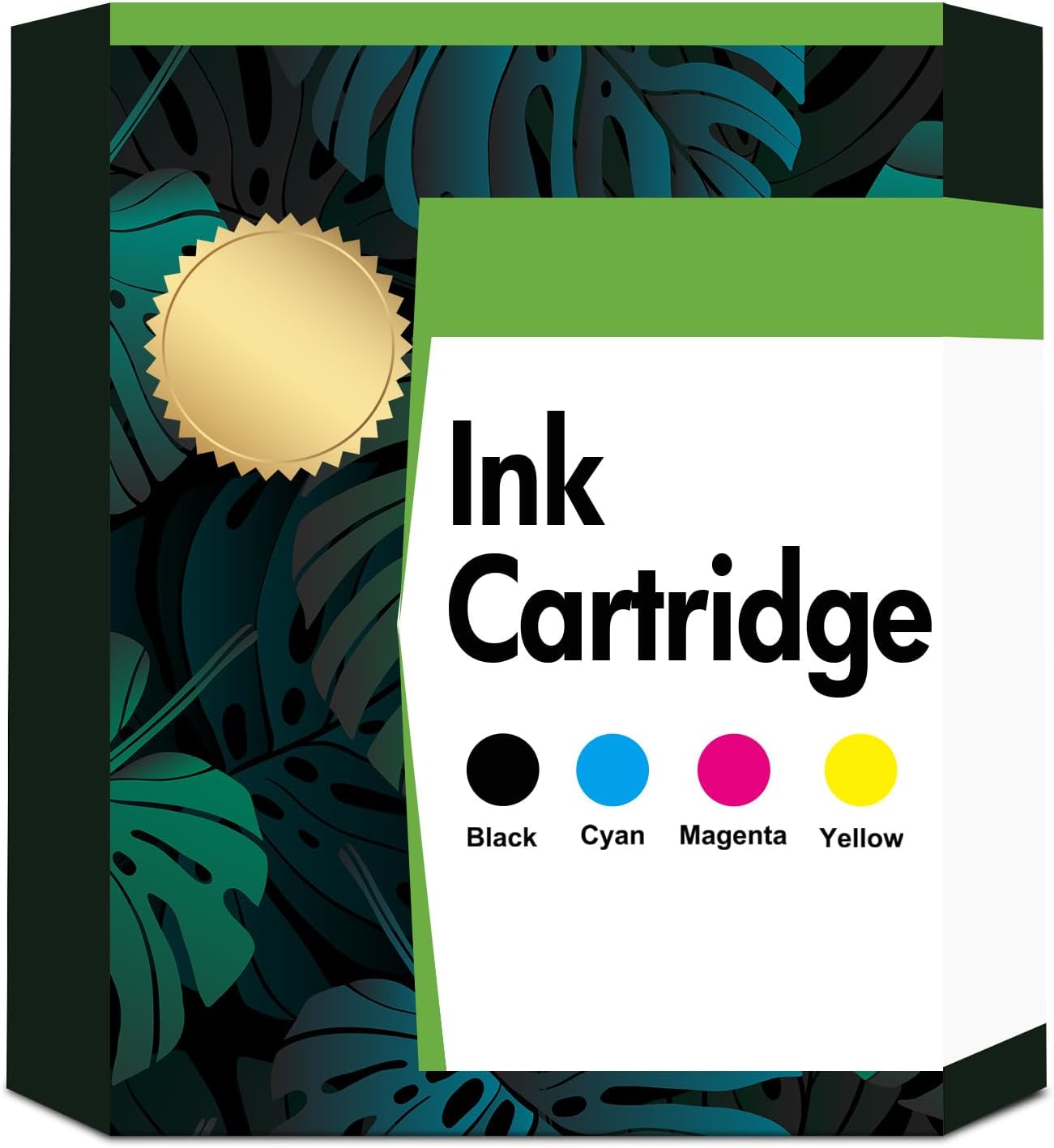

Correction of product information
If you notice any omissions or errors in the product information on this page, please use the correction request form below.
Correction Request Form